AOZO Helpdesk overview
Turn customer emails and requests into tickets your team can track to done.
AOZO Helpdesk turns customer emails and requests into tickets. Each ticket has an owner and a status, and it sits next to the customer’s deal in AOZO CRM.
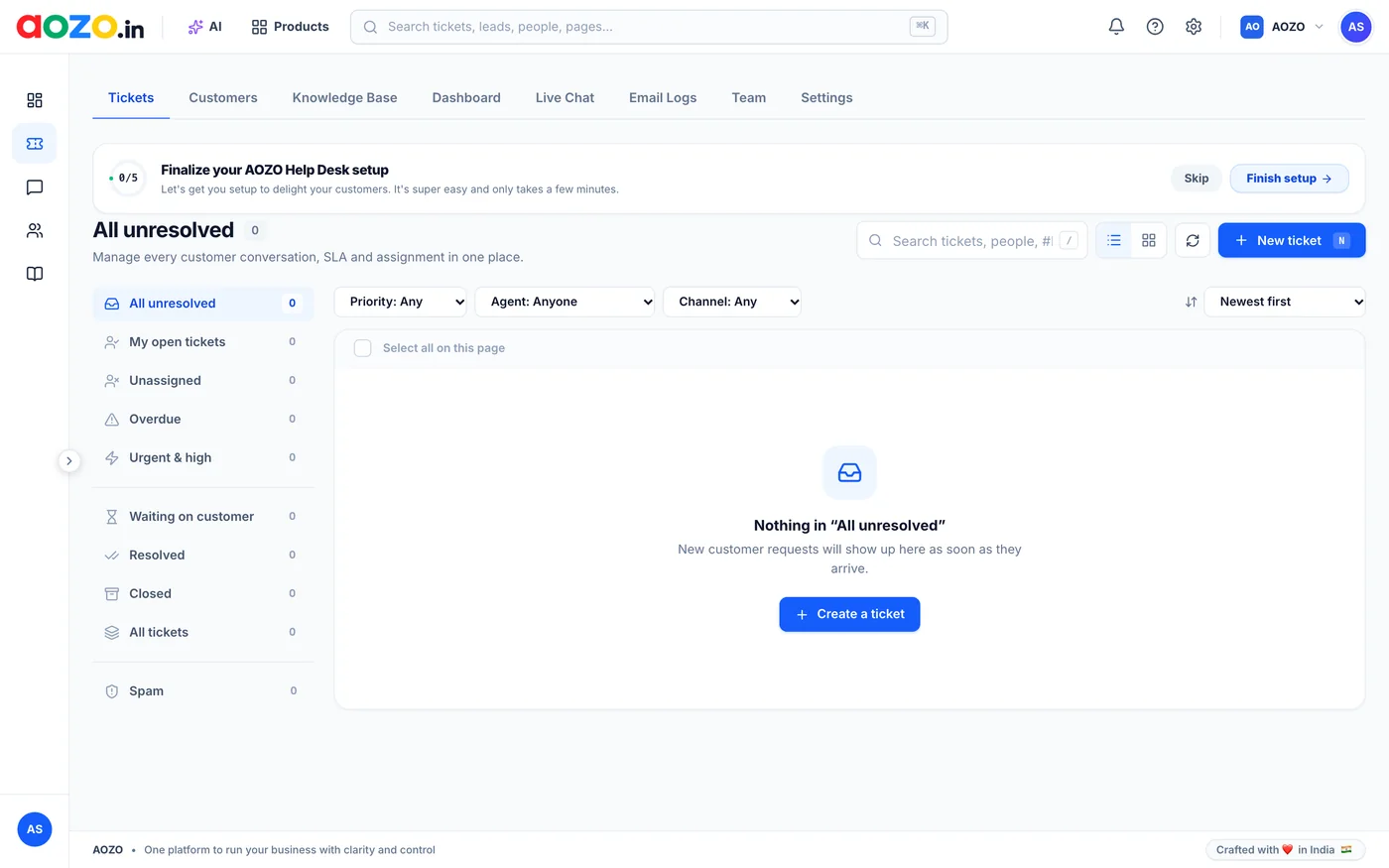
AOZO Helpdesk Tickets. Screenshot with sample data.
#The Helpdesk menu
| Tab | What it is for |
|---|---|
| Tickets | Your inbox of customer requests, with ready-made views |
| Customers | The people who contact you |
| Knowledge Base | Help articles customers can read without contacting you |
| Dashboard | How support is going |
| Live Chat | Chat with customers on your website |
| Email Logs | Emails sent and received |
| Team | Your support agents |
| Settings | Chat widget and email branding |
#Where to start
- Add your support team.
- Set up the chat widget and email branding in Settings.
- Write your first help articles in the Knowledge Base.
- Work the ticket queue every day.