Use Hubble on your phone
The team directory, settings and notifications on mobile.
Hubble works on your phone as well as on desktop, with the same login and workspace.
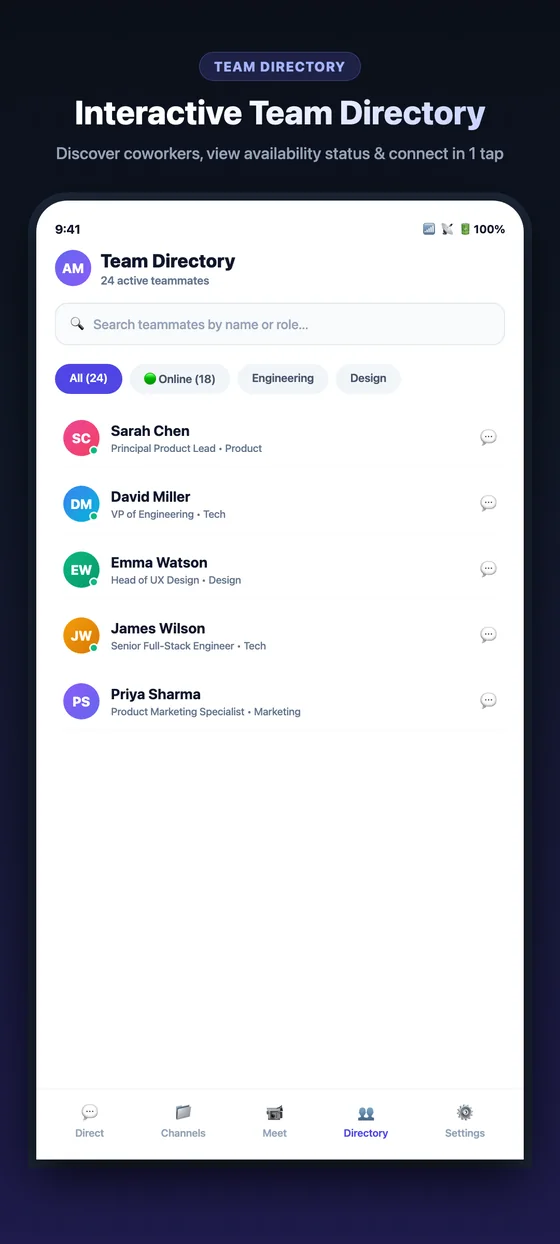
The team directory on mobile.
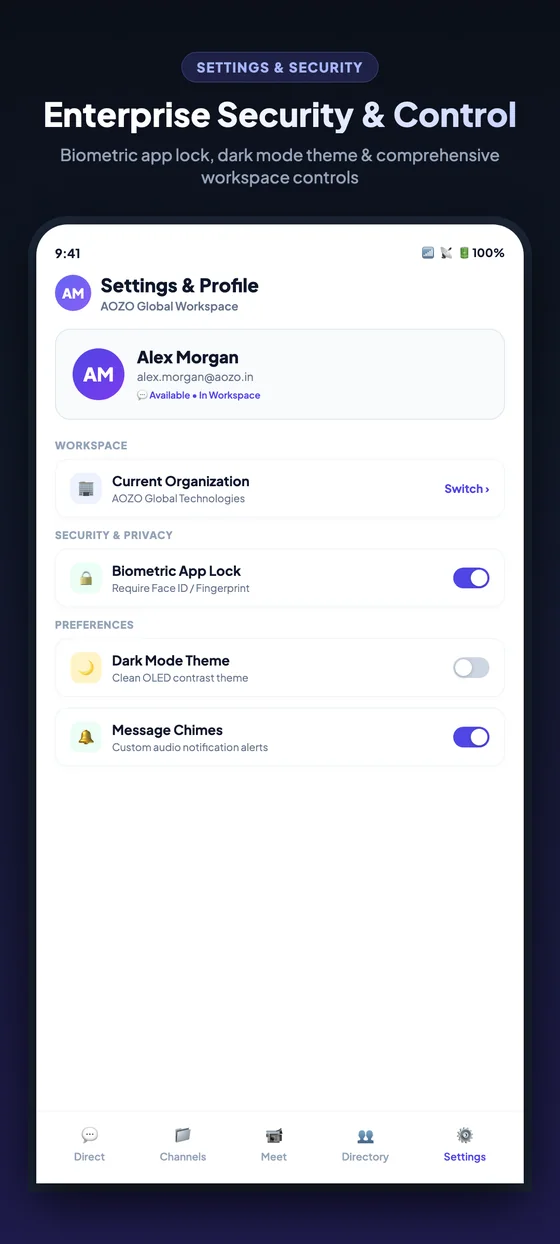
Settings and profile on mobile.
- Search the team directory by name or role and start a chat in one tap.
- Open a chat, reply, and tap back to return to your list.
- Use Settings to switch workspace and change your preferences.