Organise conversations with spaces
Create team spaces, private groups, project spaces and announcement spaces.
Spaces and channels keep conversations organised by team, topic or project, so people find what they need.
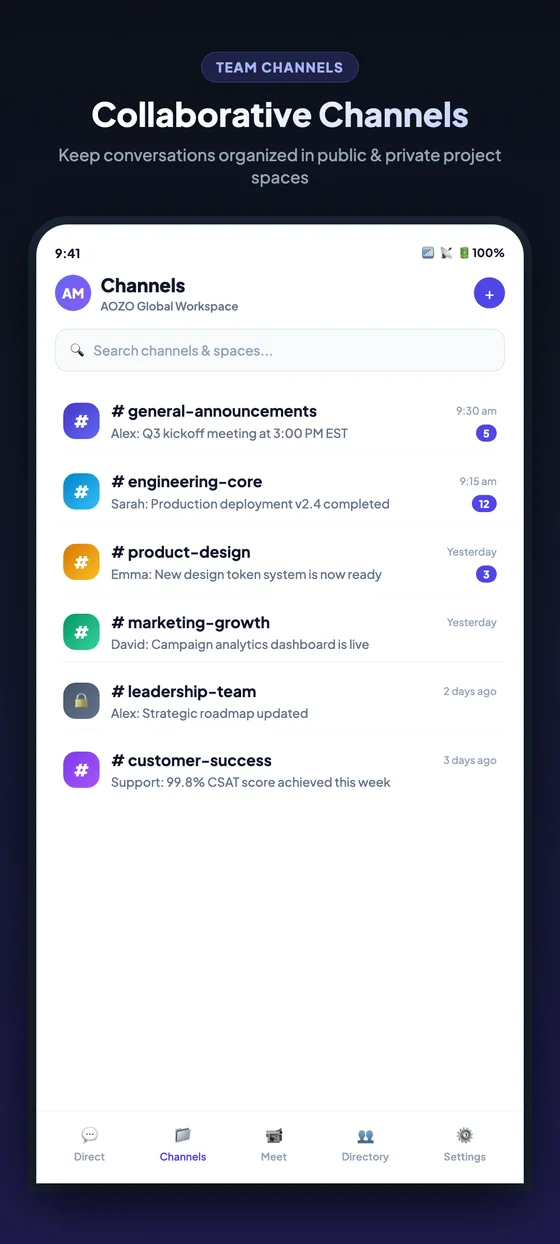
Channels on mobile. Channels are organised into public and private project spaces.
| Kind | Use it for |
|---|---|
| Team space | A team or topic everyone can join |
| Private space | Sensitive conversations for the right people |
| Project space | A chat that sits next to a project’s tasks |
| Announcement space | Updates where only admins post |
Open Channels
In Hubble, open the Channels list.
Add a space
Choose to add a space and give it a name.
Choose who can join
Decide whether it is open or private.
Add members
Use the member picker, which searches your workspace.
Pin what matters
Pin important messages so they do not scroll away.
Tip
Name spaces for what they are for, for example #sales or #support, so people join the right ones.