Send messages, mentions and files
Direct messages, @mentions, attachments and notifications.
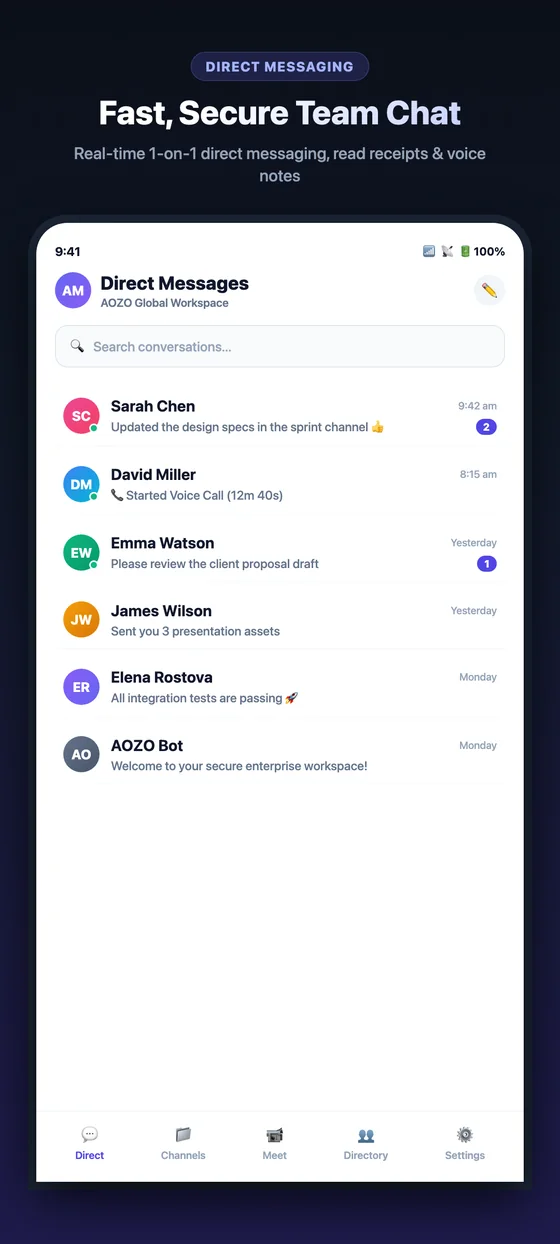
Direct messages on mobile, with unread counts.
Open Direct messages
Choose Direct to see your one-to-one and group chats, with unread counts.
Start a chat
Pick a teammate, or search for one, and write your message.
Mention someone
Type @ and a name to mention a teammate. They get a notification.
Attach a file
Add a file in the conversation instead of sending it by email.
- You can see when someone is typing.
- Unread counts show which chats need you.
- New messages arrive without a refresh.