AOZO CRM overview
What AOZO CRM does, how it is laid out and how it connects to the rest of AOZO.
AOZO CRM captures your leads, scores them and moves deals through your pipeline. It uses the same customer records as Helpdesk and Accounting, so nothing is copied twice.
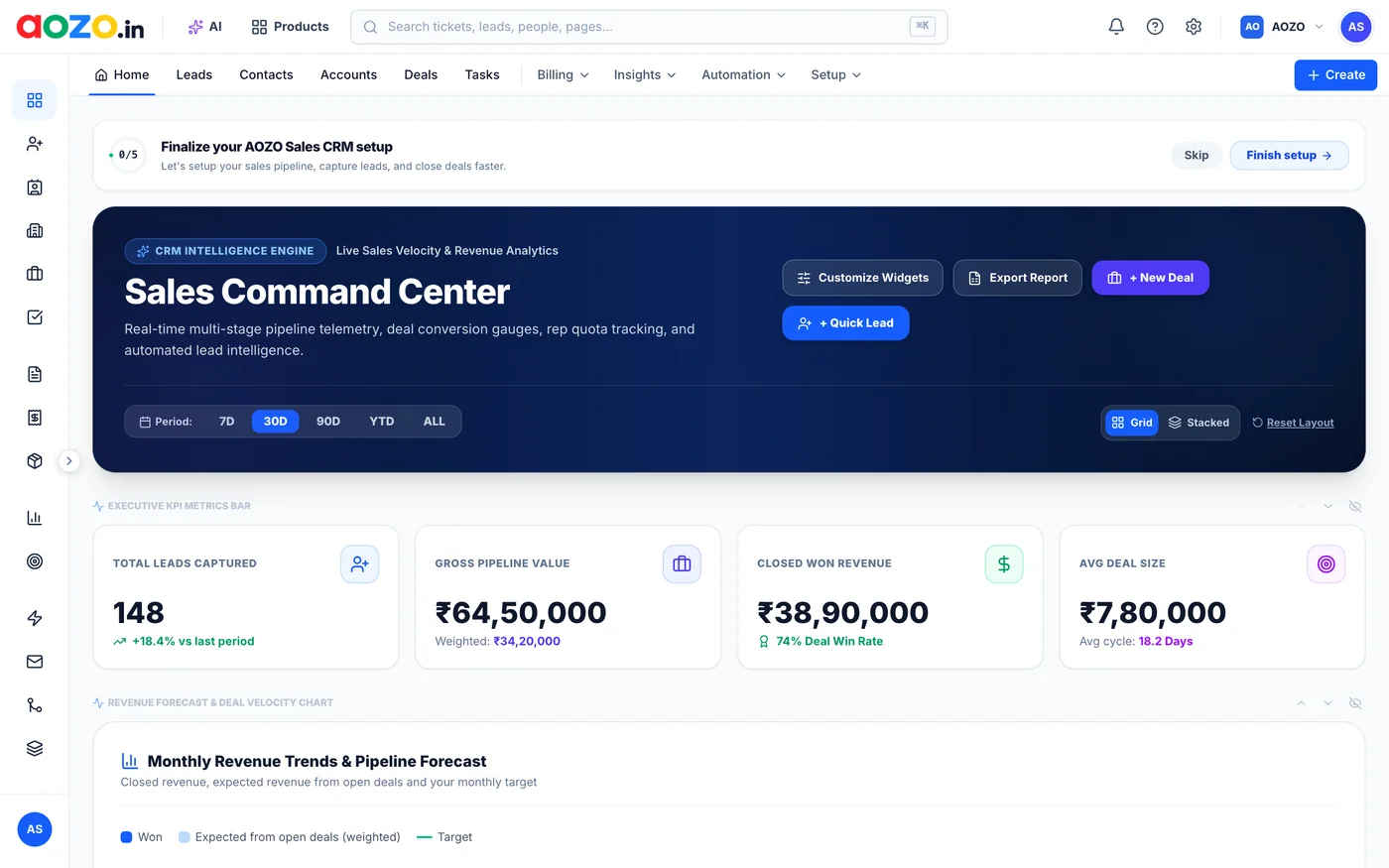
AOZO CRM Home. Screenshot with sample data.
#What is inside
| Menu | What it is for |
|---|---|
| Home | The Sales Command Center: pipeline value, closed revenue, win rate and average deal size |
| Leads | Every lead with its status, source, score and expected value |
| Contacts and Accounts | The people and companies you sell to |
| Deals | Your pipeline as a Kanban board or a list |
| Tasks | Follow-ups for you and your team |
| Billing | Quotations, proposals, invoices and your product catalogue |
| Insights | Reports on how sales are going |
| Automation | Workflows that run routine steps on their own |
| Setup | Your CRM settings |
#Connected to the rest of AOZO
- Support tickets in Helpdesk sit next to the customer’s deal.
- A closed deal turns into a GST invoice in Accounting.
- Search any customer, ticket or invoice with ⌘K.
- Chat about a deal in Hubble.
#Where to start
- Capture or import your leads.
- Move the promising ones into your deals pipeline.
- Set up a workflow so new leads are assigned automatically.
- Check the Home dashboard every morning.