Manage the floor
See free, occupied and needs-attention tables with running bills.
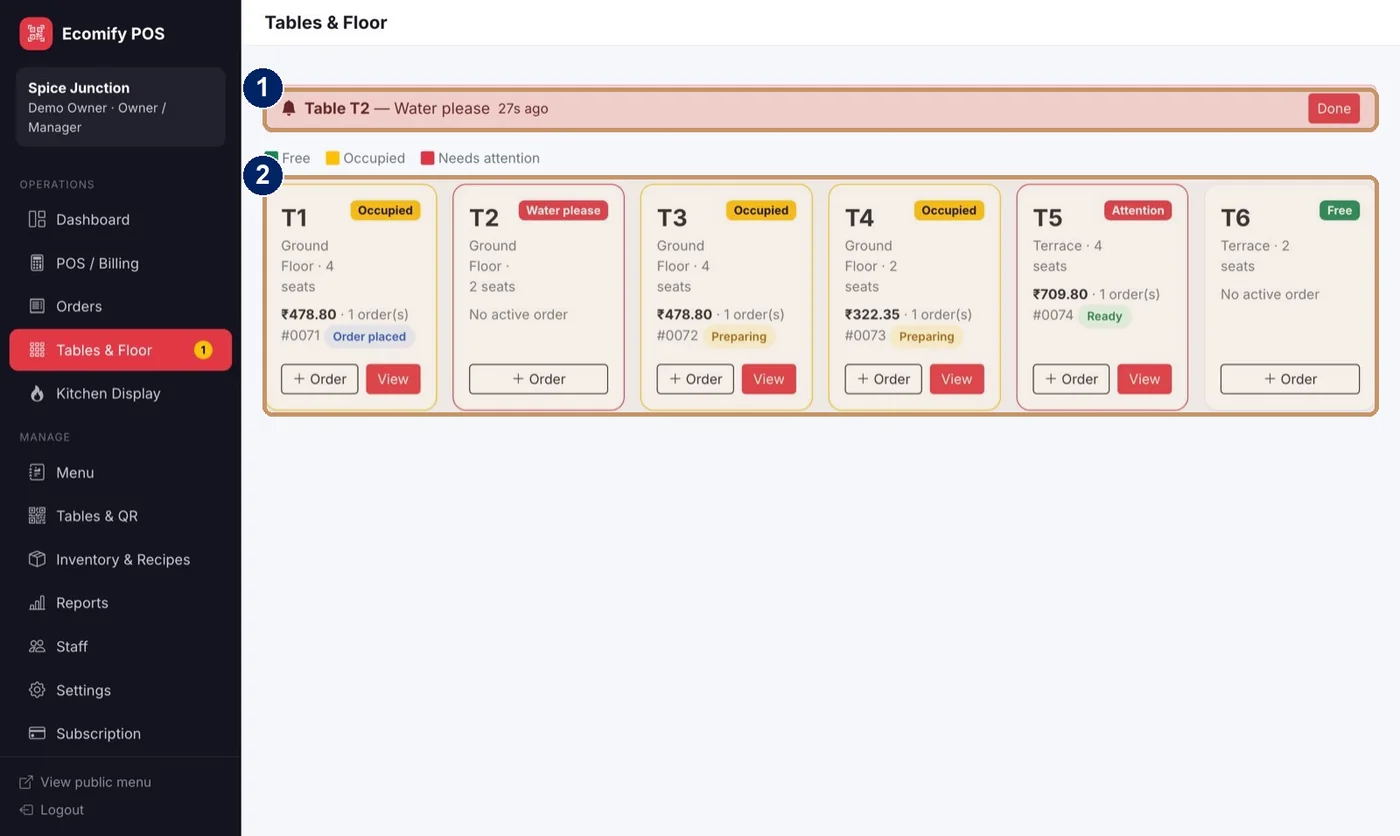
- Waiter calls appear at the top, with a sound
- Table cards with status, seats and running bill
Open Tables and Floor
Choose Tables and Floor in the menu.
Read the colours
Free tables are green, occupied are yellow and tables that need attention are red.
Answer calls
Waiter calls, for example “Water please”, appear at the top. Choose Done when you have helped.
Start an order
Choose Order on a table to start a POS order for it in one tap.
See the bill
Choose View to see every open order on the table and its status.