
Sign in once. Protected everywhere.
One identity secures every AOZO app, with strong two-factor options and clear control over who can do what.
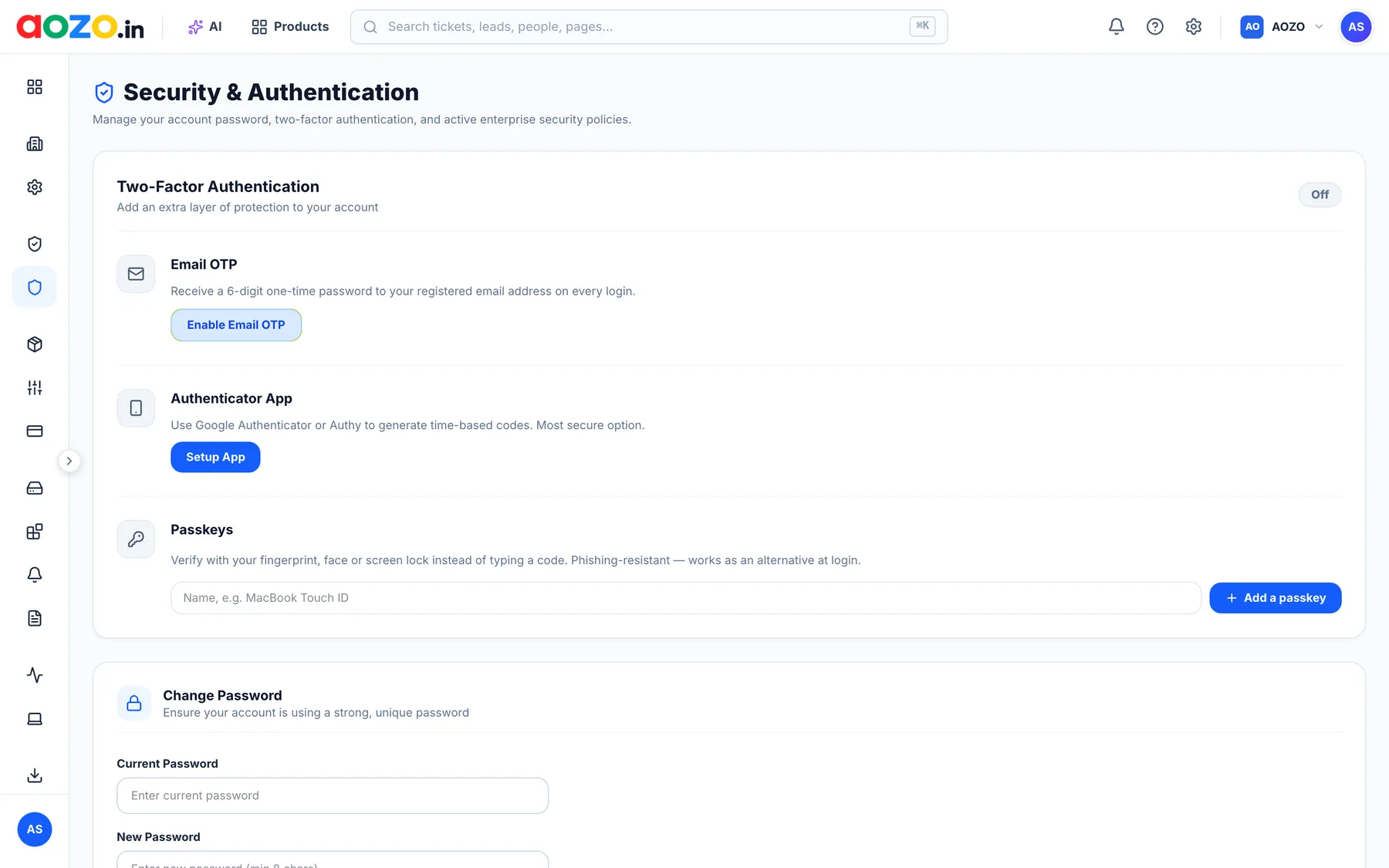
Email OTP
Receive a one-time code at your registered email on every sign-in.
Authenticator app
Use Google Authenticator or any TOTP app for time-based codes.
Passkeys
Sign in with fingerprint, face or a hardware key, and skip the password.
Roles & membership
Owner, admin and member roles. Every app checks workspace membership separately.
One central identity
Every product verifies the same token issued by one Central Auth server.
Activity log
Review recent sign-ins and account activity from your workspace home.
Your brand, your members, your rules.
Set up your organisation identity, a dedicated subdomain and custom domain, invite members and assign access per product.
Create your workspace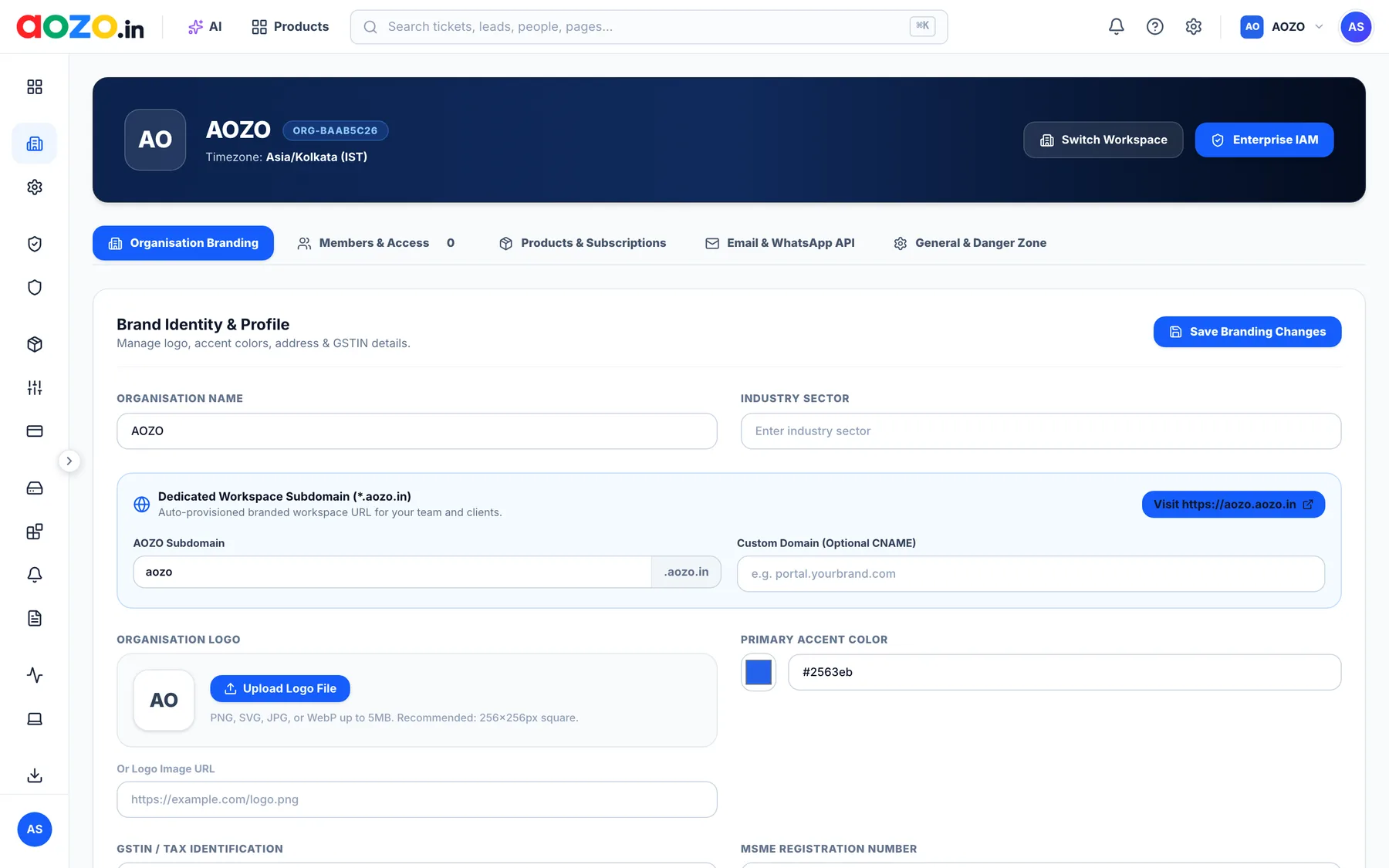
Security questions, answered
What two-factor options does AOZO support?
Email OTP, authenticator apps (TOTP) and passkeys such as fingerprint, face or hardware keys.
Do all AOZO apps use the same sign-in?
Yes. A central sign-in issues the token that every AOZO product verifies, so securing your account protects every app.
Can I control who sees what?
Yes. Workspaces have owners, admins and members, and each app checks workspace membership separately.
How does AOZO handle data protection law?
We act as a Data Fiduciary for account data and as a Data Processor for customer content, in line with India's DPDP Act, 2023. See the Privacy Policy, Data Processing Addendum and Your Data Rights pages.