Plan work on boards
Create projects and tasks, then run them on a Kanban board.
#Before you start
- You need access to AOZO Projects.
- Decide your spaces, for example one per team or client.
Open the project Workspace
Choose Workspace in AOZO Projects. Your spaces are listed with the projects inside.
Create a project
Choose “New project in this space” and give the project a name.
Add a list
Choose “Add a list” to group related tasks, for example Design or Launch.
Add tasks
Add tasks and set an owner, a due date and a priority on each.
Open the task drawer
Open any task to see its drawer with details, and change its status.
Work on the board
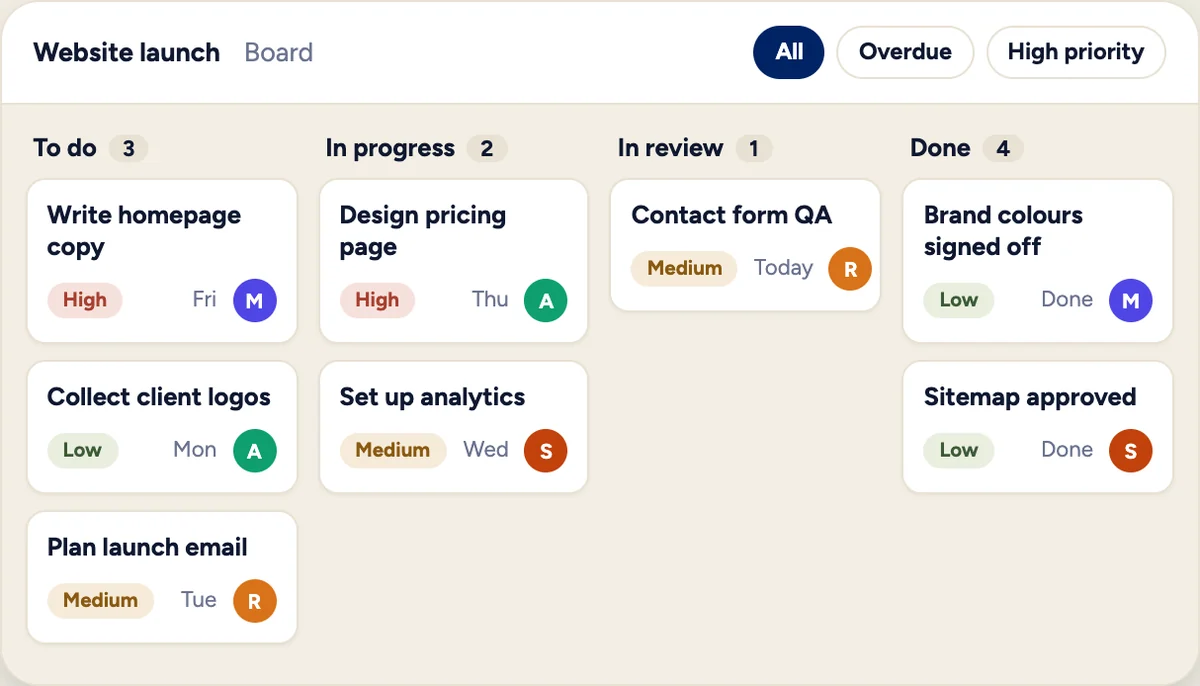
Open the Kanban board and drag tasks across statuses as work moves.
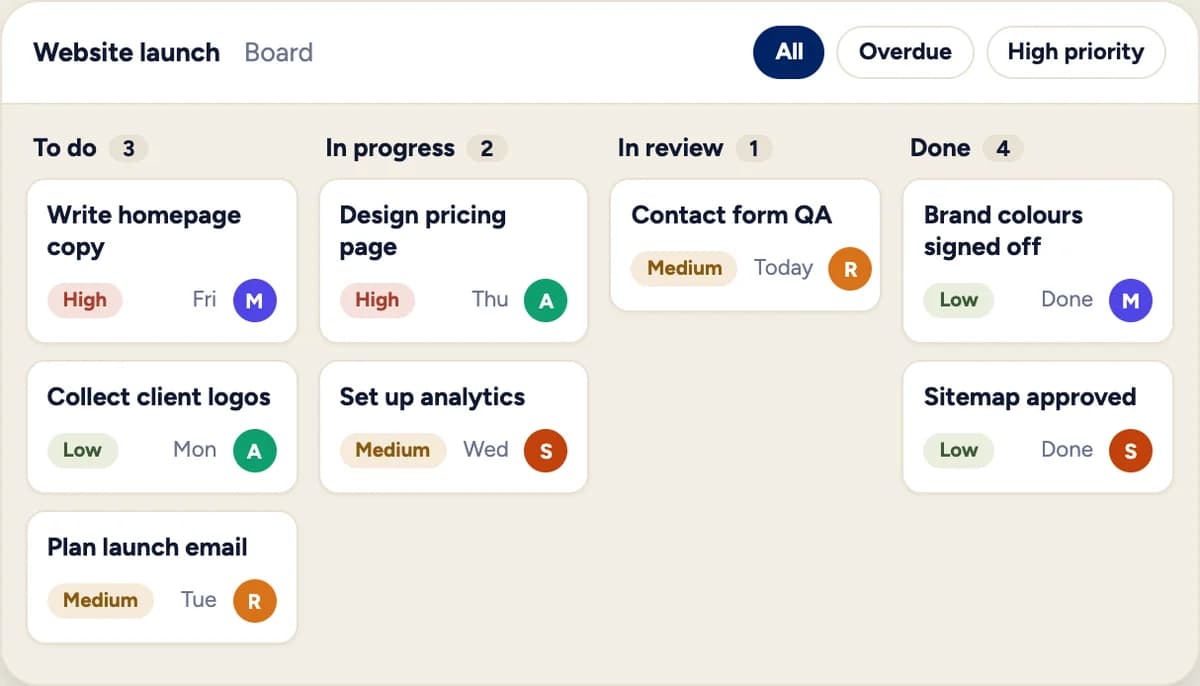
Illustration with sample data, not a product screenshot.
#Customise statuses
Rename, add, move up or down and delete custom statuses so the board matches how your team works. Switch between list and grid views of your projects.
#Find tasks
- Search tasks by keyword.
- Filter by employee, status, priority and overdue.
- Use My Tasks for yours and All Tasks for the whole team.
Only admins and project managers can assign or reassign tasks. Employees can take work for themselves.