Connect your tools
Link Figma, Google Drive, Dropbox, Zoom, Google Meet and GitHub.
The Apps page connects design, files, meetings and code to your projects.
Open Apps
Choose Apps in AOZO Projects.
Pick a tool
Choose Figma, Google Drive, Dropbox, Zoom, Google Meet or GitHub and select Connect.
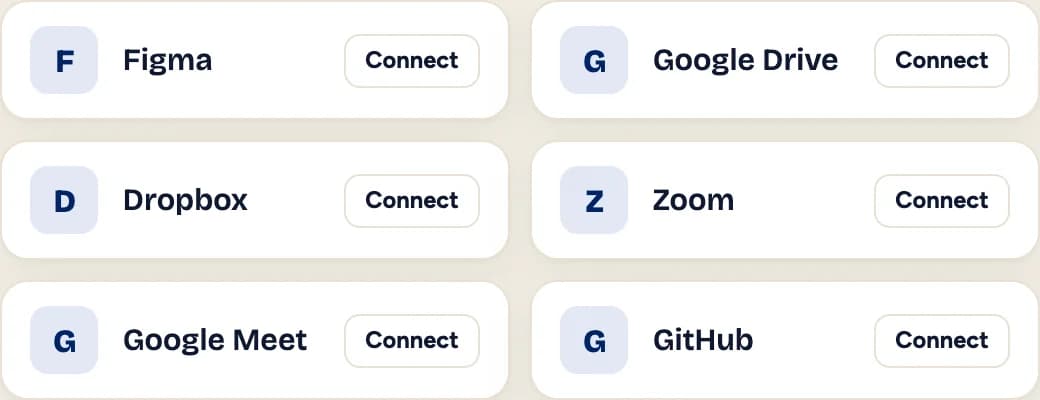
Illustration with sample data, not a product screenshot.
Sign in to the tool
Follow the sign-in steps for that tool.
Use it in a project
Links and files from the tool are available in your projects.
Note
GitHub can also be connected from a project’s profile, alongside its team and links.