Schedule with Gantt and critical path
See dependencies, the critical path and workload conflicts.
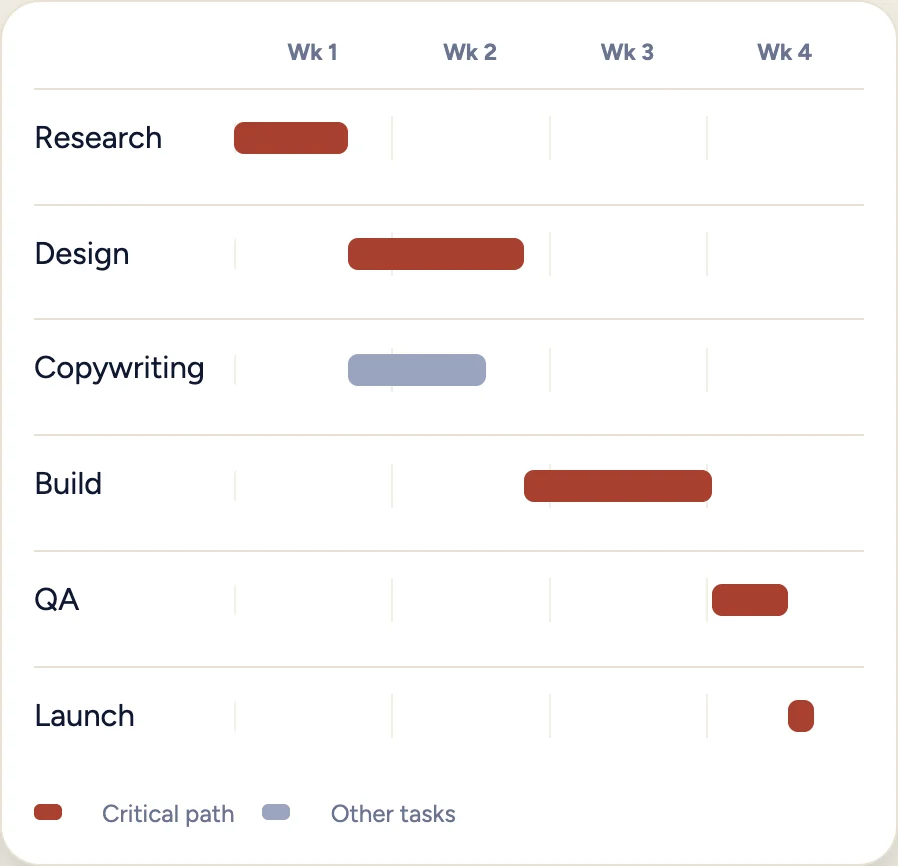
The Gantt chart draws bars at the real start and end dates, links tasks by dependency and highlights the critical path, the chain of tasks that decides your finish date.
- Dependencies include loop protection, so a task cannot end up waiting on itself.
- Workload conflicts and resource levelling help you plan realistically.
Open the schedule
Open the project and choose the schedule or Gantt view.
Link dependent tasks
Link tasks that depend on each other, so a task starts only after the one before it.
Find the critical path
Look at the highlighted chain. Any delay there moves your finish date.
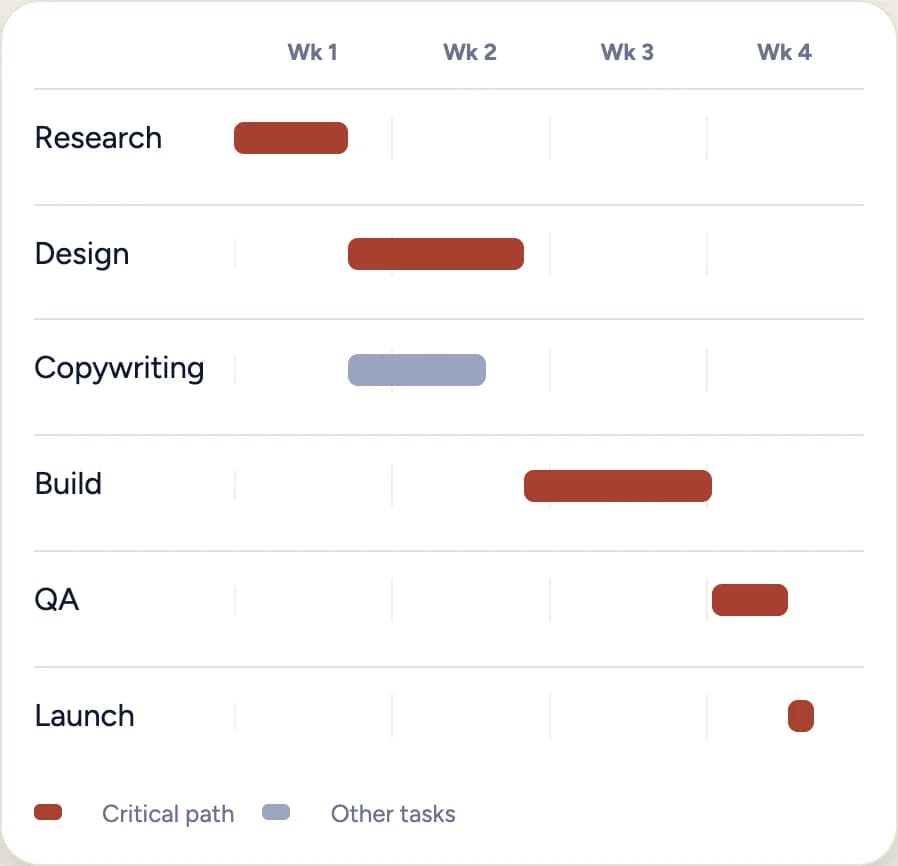
Illustration with sample data, not a product screenshot.
Check workload
Open Workload to see conflicts before you commit to a date.