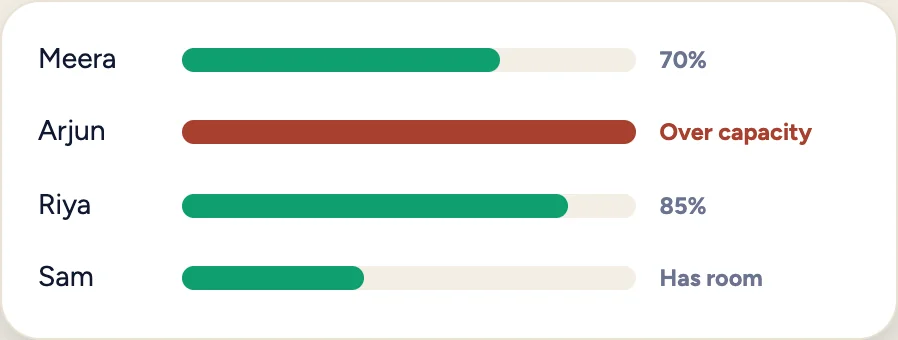
Balance workload
See who has too much on their plate before deadlines slip.
Open Workload
Choose Workload in AOZO Projects.
Look for conflicts
Find anyone who is over capacity.
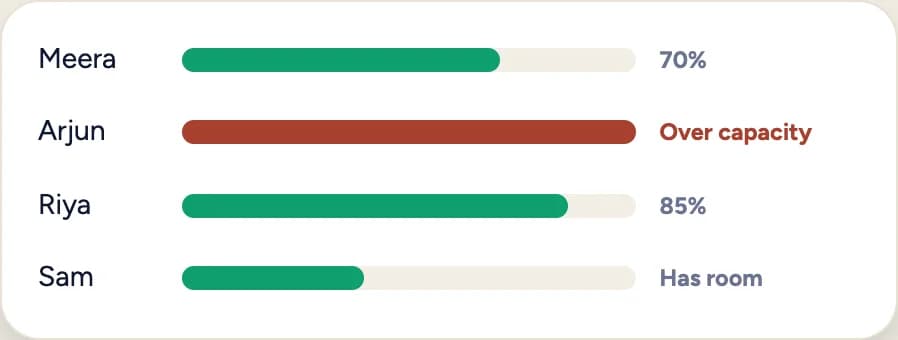
Illustration with sample data, not a product screenshot.
Move the work
Reassign tasks to people who have room. Admins and project managers can reassign.
Re-check the schedule
Return to the Gantt view and confirm the critical path still holds.